Holiday prep looks a little different in every shop, but you don’t have to figure it all out alone. You bring the creativity that makes your shop yours. We’ll help with the rest. Over the next few weeks, we’ll guide you through a few focused steps to help get your shop ready for the holiday season. Start with what makes sense for your shop today, then come back for the next step when you’re ready.
Along the way, you’ll find expert tips, stories and ideas from other sellers, holiday trends, and tools that can help you put your ideas into action.
Tip: Bookmark this page and check back throughout the season. We’ll keep adding new guidance as the holidays get closer.
Finish your shop and About section
During the holidays, many buyers are shopping for gifts and discovering new shops. A thoughtful About section can help them feel confident buying from yours. Now is the perfect time to showcase your story and process. If you haven't already, add a few lines to your “About” section and include photos of you or your work to help buyers connect with the person behind the shop. A filled-out About section doesn't just build trust; it's one of the things that makes your shop feel worth coming back to. Double-check your shop banner and profile photo while you're at it.

Go deeper: How to Craft a Compelling About Section
Sharpen your listings
Your listing details can be what turns a browser into a buyer, but you don't need to update everything at once. Start with the listings that are already getting strong traffic but fewer sales. They've got buyer interest, so even small improvements can add up quickly. Three things that can make a difference:
-
Photos and video: First impressions matter, so lead with a clear, well-lit hero image. Add more photos that show different angles, close-up details, and scale—listings with 10+ images can see up to 30% higher conversion.† Then add a short video of your item in action to capture what still photos can't—listings with a video can see up to 12% more sales per impression.†
-
Titles: Use a clear, accurate title that describes your item in the words holiday shoppers actually use, like "personalized stocking stuffer." Keep it easy to read, and resist cramming in extra keywords. Not sure what buyers are searching for? Marketplace Insights shows you the terms behind real holiday demand.
- Descriptions: Go beyond the basics. Cover what the item is, what it's made of, what's included, and what makes it special—detailed descriptions of around 250+ words can see up to 5% higher conversion.†
If you have time after that, make sure each listing uses all 13 tags with relevant phrases. It gives shoppers a few more ways to find you.
†Based on aggregated Etsy marketplace data between January 2023 and January 2026. Actual results may vary by listing and shop. Past performance does not guarantee future results.
Watch now: “EtSEO” Live Listing Critique Panel
Set your processing times and shipping profiles
Update your processing times to reflect what you can actually deliver, especially if you're making items to order. Review your shipping profiles to confirm your methods and rates are accurate, and be sure to update your shop with any planned time off for the holidays, such as Thanksgiving or Christmas. Buyers are shopping against deadlines this time of year, and accurate information helps them buy with confidence.
See more: Shipping Partners To Help You Manage and Ship Orders
Get gift-ready
Make gifting easier for buyers by turning on gift messages, which lets buyers add a personal note to their order. If you offer gift wrapping, make sure buyers can select it at checkout. Small touches like these can help your shop feel gift-ready and keep buyers coming back for the next occasion.
To do: Offer gift wrapping
Keep your shop close this season
Holiday prep doesn't always happen at a desk. With the Etsy Seller app, you can manage your shop and keep up with activity wherever you are.
To do: Download the Etsy Seller app
Update your packaging for the holidays

Eco-conscious buyers are paying attention to how their orders arrive. 54% of surveyed Etsy buyers say they're more likely to purchase when an item ships in recyclable packaging.* Through our partnership with EcoEnclose, you can stock up on sustainable packaging options designed to help your shop make a great impression this season.
*Based on an internal survey of 1,774 Etsy buyers in the U.S. Reflects stated purchase intent only and is not a guarantee or prediction of actual purchasing behavior.
Make the most of Cyber Specials
Cyber Specials is Etsy’s biggest sale event of the year, running November 23 to December 1. Millions of shoppers come to Etsy during Cyber looking for deals on something special and your shop can be part of it. The opt-in window is still open. Choose whether to opt in at the shop or listing level, pick your discount percentage, and you’re all set. Go to: Shop Manager > Marketing > Sales and Discounts > Cyber Specials to opt in. Visit our Help Center article for more details on how Cyber Specials works.
Set yourself up for a successful Cyber week
Stay on top of messages
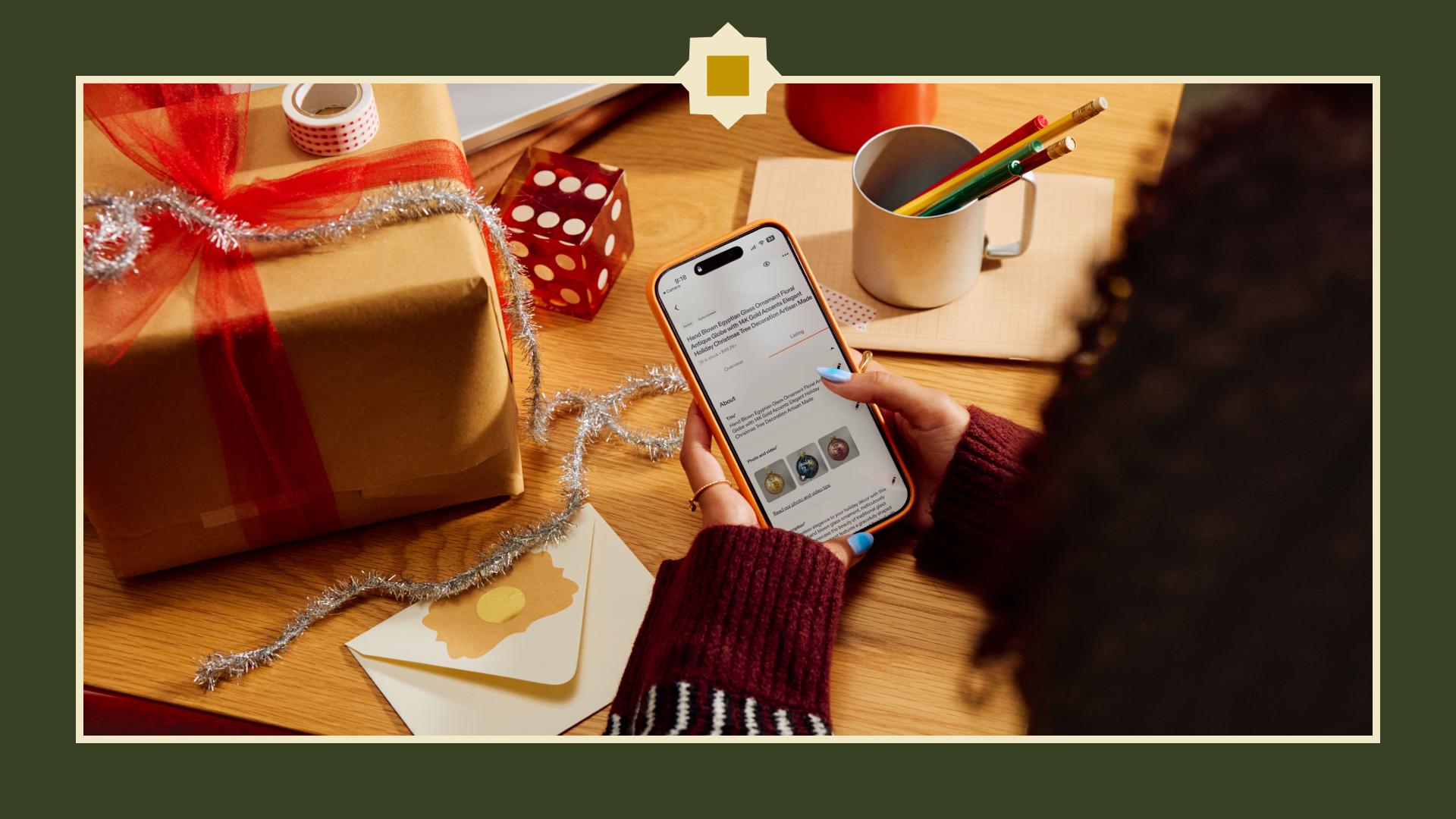
Responding quickly to buyer questions can help turn interest into a purchase and create a positive customer experience. In fact, sellers who respond to messages sent before a purchase in less than 24 hours have a 24% higher conversion rate on average.*
Quick replies can help you respond faster to common questions. If you have access to the AI-powered writing assistant, use it to quickly draft responses that stay true to your voice. Both tools are available in the Etsy Seller app, so you can respond on the go.
Get your shipping in order
Shipping on time helps you build trust with buyers. Before the sale starts, make sure your shipping settings are accurate and up to date. We use this information to calculate the estimated delivery dates that buyers see, helping them plan around holiday deadlines. If you manage a lot of listings, simplify updates by creating reusable shipping and processing profiles. Once orders start coming in, add tracking to keep buyers informed and mark orders complete after drop-off.
Keep your shop moving from anywhere
The Etsy Seller app is your always-on business partner during Cyber week. Stay ahead of orders, update tracking information, check your shop stats, and respond to buyers—all from your phone, wherever you are.
Turn Cyber sales into savings

Cyber Specials is a great time to let your followers know your shop is part of the sale using your Share & Save links. Share your discounted listings using your Share & Save links on social media or wherever you connect with your audience
There’s an added benefit too. Eligible orders that come in through your Share & Save link during the holiday season get your full 6.5%** transaction fee credited back to you. Get your links before Cyber Specials starts so you’re ready to share throughout the sale.
Go to Share & Save to get your link and start sharing.
*Based on 2024 conversion metrics of sellers who responded in less than 24 hours.
**6.5% refund only applies through January 4, 2027, after which the refund will be 4%. See Share & Save Holiday Promo Terms.
In case you missed it
- EtSEO: Watch a live listing critique panel as they share expert tips on titles, keywords, media, and search visibility.
- Holiday Trend Report: Prep your shop for the upcoming season with our guide to trends based on Etsy search and sales data and industry forecasting.
- Instagram: Etsy Success on Instagram (and join our new broadcast channel!)
- Forums: Join the conversation in the Etsy seller community
- YouTube: Etsy Success on YouTube or jump directly into Growing Your Business on Etsy
We’ll be here all season
As the holidays get closer, come back for new holiday trends, seller stories, and timely guidance to help you prepare for what’s ahead.
You bring the magic. We’ve got your back.
 Words by Etsy Staff